Video editing, motion graphics and 3D in one app.
Hope Creative is a fast, GPU-powered motion design app for macOS and Windows. Start with the free version and move to Studio when your work needs more.
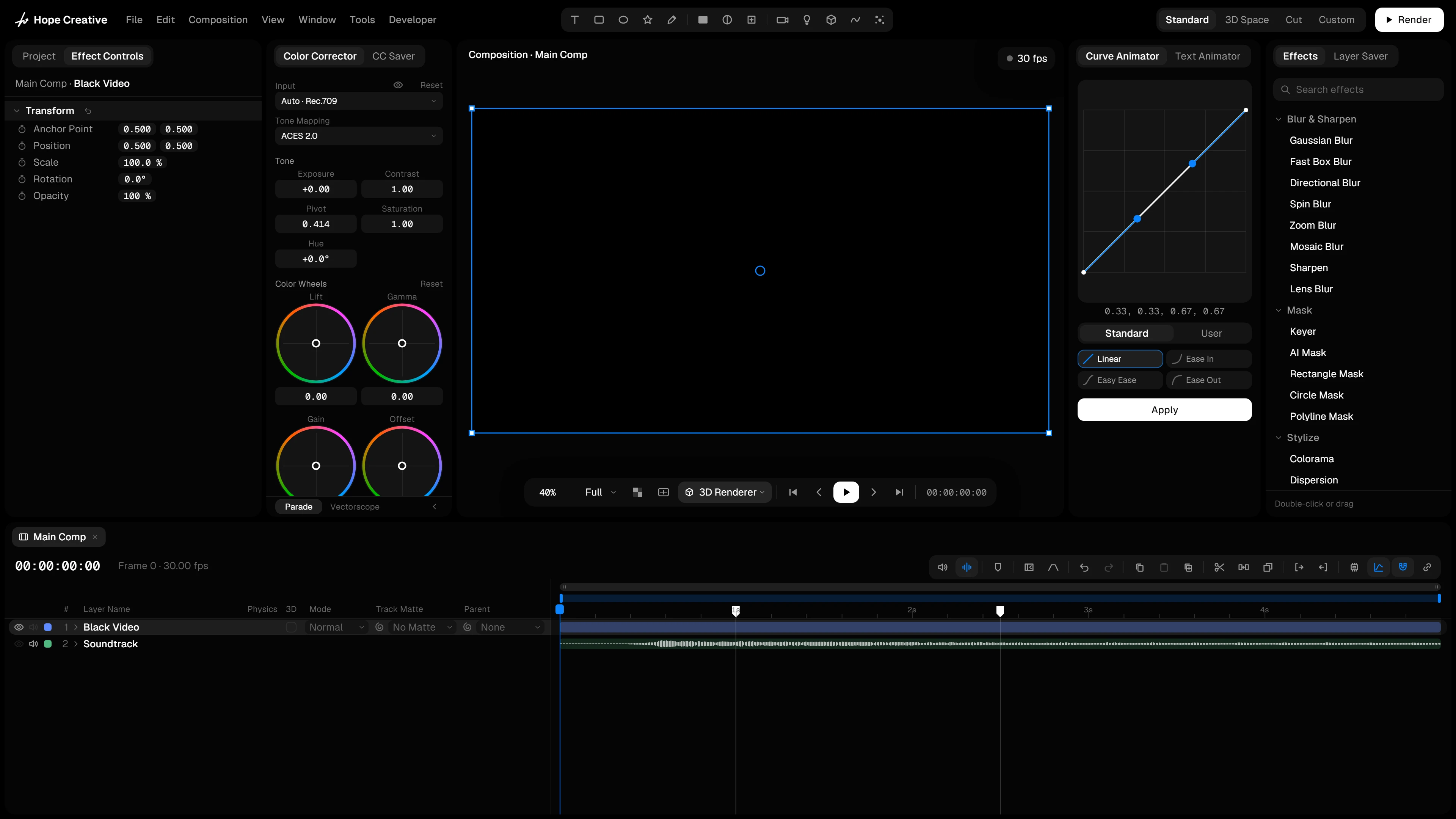
Everything a motion designer reaches for.
Animation, 3D, physics, effects and AI share one timeline, so ideas don't wait on round trips between apps.
3D
3D layers, shapes and models in the same timeline as your 2D work, in 2.5D, real time or raytraced.
Curve Animator
Set keyframes and shape the speed of every move with eases, presets and curves of your own.
Text Animation
Titles that animate in and out letter by letter, word by word or line by line, plus effects like Scramble, Flicker and Timer.
Modifiers
Shake, bounce, follow the music: right-click any value and add motion on top, no keyframes needed.
Preset System
Save layers once, with everything on them, and share them as preset files that carry their media.
Physics
Let layers fall, collide and swing on ropes, then bake the motion into keyframes you can edit.
Stylize Effects
From tech overlays and print to retro screens and glitches: one click to a whole new look.
Color Correction
Grade footage with color wheels, scopes and log support, and save looks to reuse in one click.
Smart Tools
Rigging, Motion Displace, the Tracker and Auto Cut: work that used to take hours, done for you.
AI
Captions, masks, tracking, depth, voices, clean audio and slow motion, made on your own computer.
Claude
Connect Claude and describe what you want. It builds and animates the comp while you watch.
Expressions
A line of JavaScript that drives a value: links between layers, loops and procedural motion, with every command to look up.
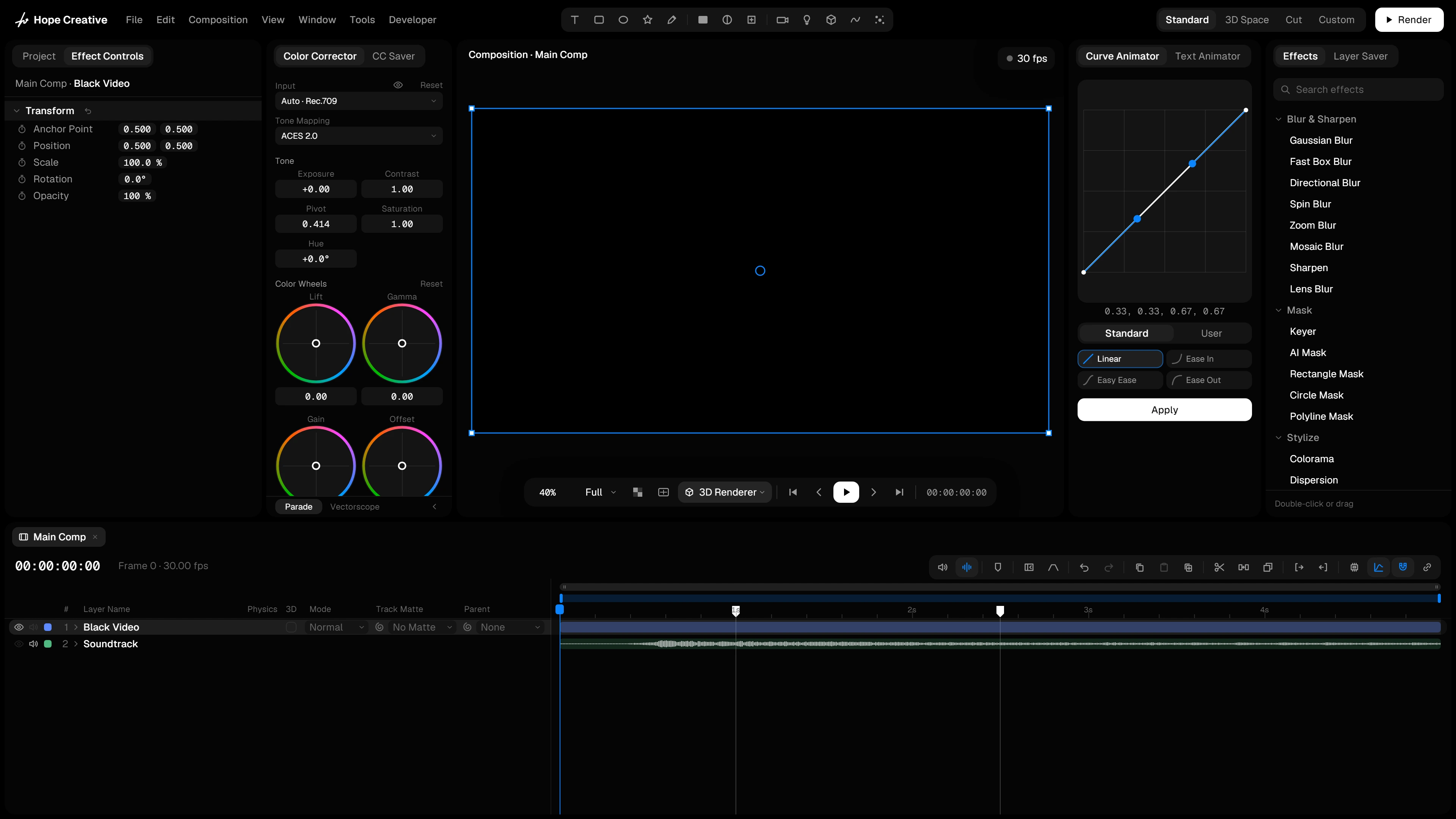
Fast, even with heavy work.
Proxies, the cache and the viewer’s resolution keep heavy comps smooth, and the app takes care of their storage. Much more works on its own.
Proxies
Light copies of heavy videos for smooth editing. Export always uses the originals.
Cache
One click and every frame you see is kept, in memory and on disk, so heavy comps play in real time.
Resolution
The viewer draws only what your screen shows, and stays quick while you scrub or drag.
Start free. Upgrade when you need more.
One payment for Studio, every update included. Your license works on 2 computers, Mac or Windows, in any mix.

Free
€0
A complete app, not a trial
- Layers, keyframes and the Curve Animator
- Text Animator and expressions
- 3D layers with the Rasterizer
- Color Corrector and effects like Tracer and Light Rays

Studio
€299
Once, every update included
- Everything in Free
- Raytracer, physics and modifiers
- Smart Tools and AI tools
- Stylize effects, Claude, Layer Saver and CC Saver
Build your own tools.
Hope Creative is open to developers. The SDK, examples and guides come with the app.
Native plug-ins
Effects and modifiers in C++ with GPU shaders, for Mac and Windows from one code base.
OFX
The OFX effects you already own run inside Hope Creative.
Scripts and extensions
Automate projects and build docked tool panels in JavaScript.