Save and add
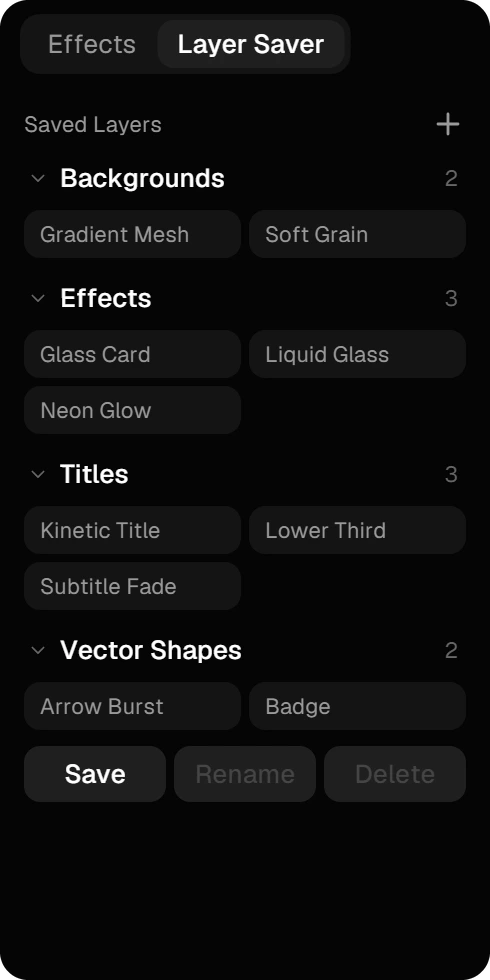
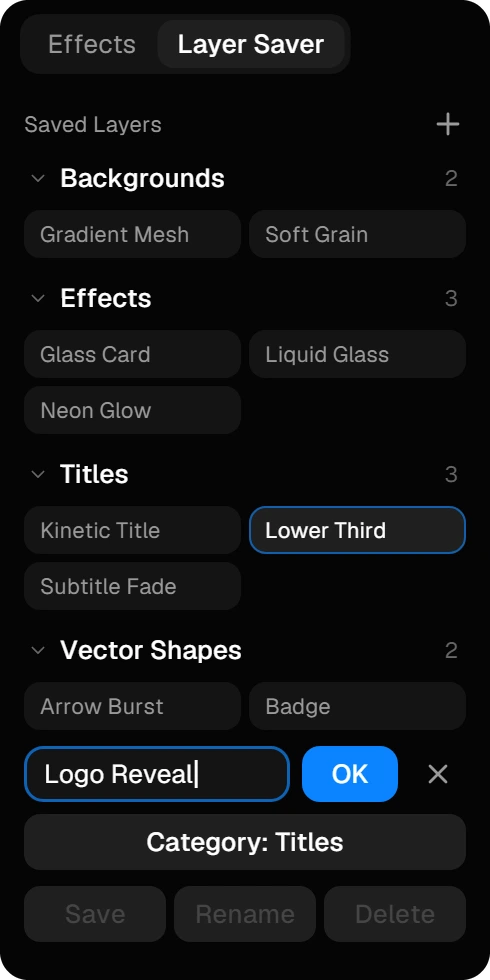
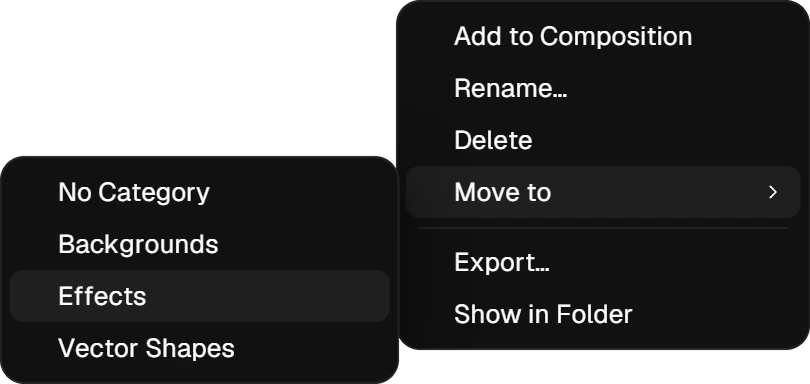
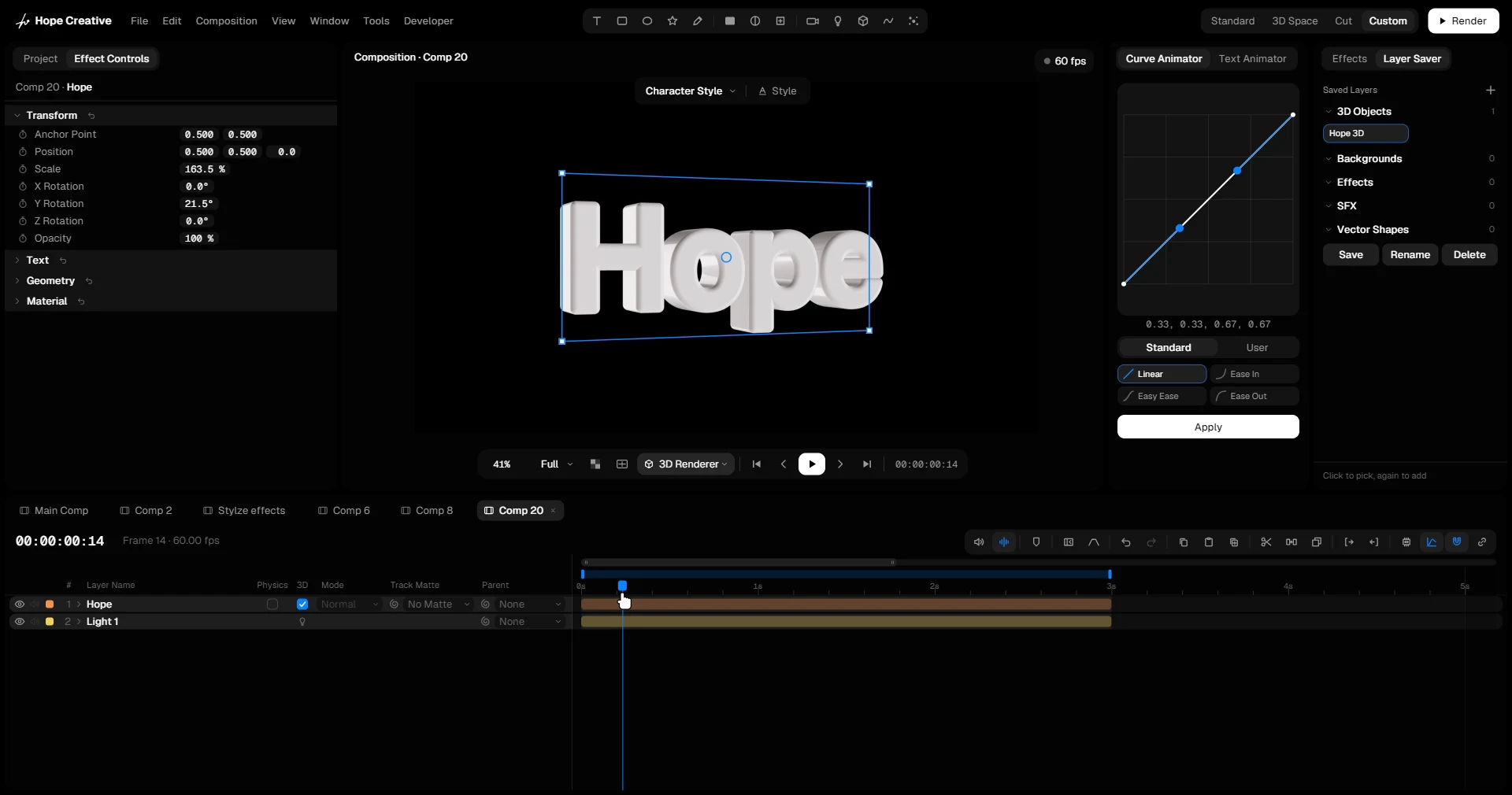
StudioThe Layer Saver sits next to Effects. Select the layers you want to keep, a title, a background, a 3D logo or a whole scene, press Save and give them a name. They become a chip.
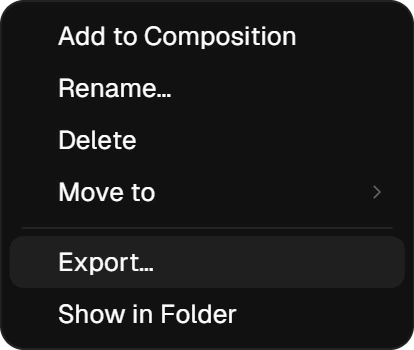
- Click a chip to pick it, click again to add it: the layers come in at the top of the open comp, from its first frame, selected and ready to change. One Undo takes them out again.
- From a comp of another size, they land in the middle, and comp-sized solids and adjustment layers take on the new size.
- Saving under a name that exists replaces the old set.