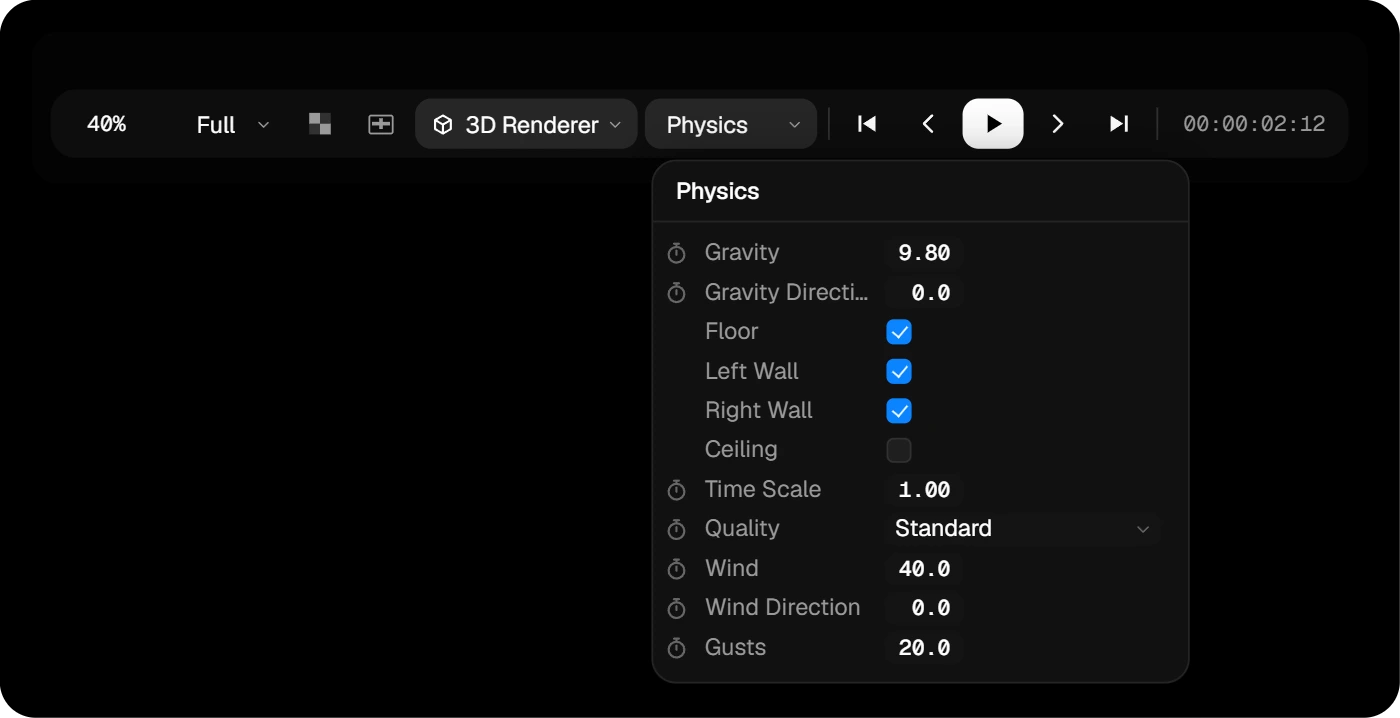
Physical layers
StudioShapes, text, polylines and SVGs can become physical bodies. Tick Physics in the layer’s row and press play: the simulation runs live, the same way every time.
- Choose whether a layer moves or stays fixed, and how it collides: its exact outline, a box or a circle.
- Set density, friction, bounciness, air resistance and a starting push or spin.
- Start Frame: until then the layer follows its keyframes, then physics takes over with the same speed.
- Text can fall apart letter by letter, or stay in one piece.