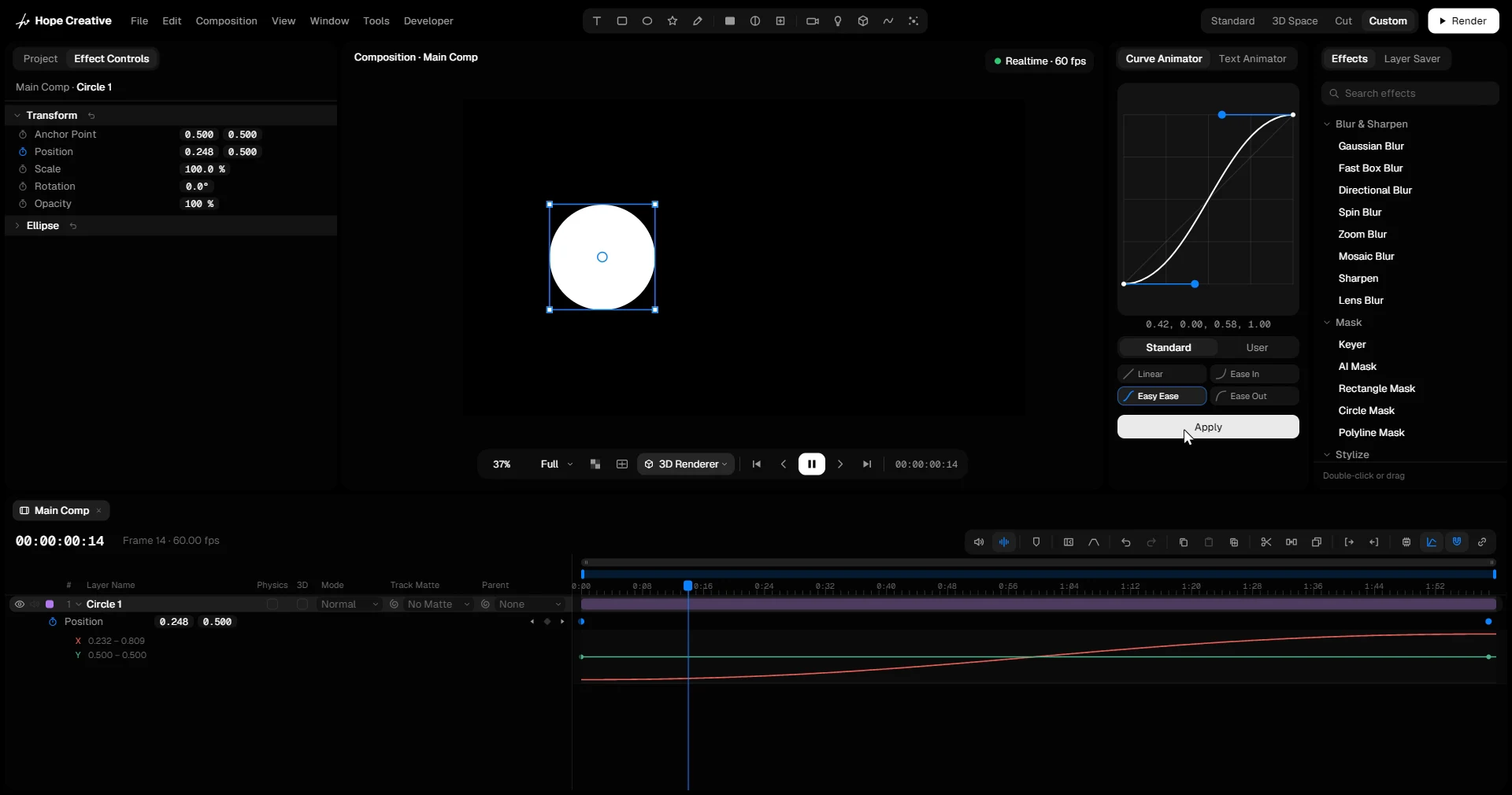
Curve Animator
Good motion is mostly about timing. Select keyframes, pick a curve and press Apply: every selected segment gets that ease in one step.
- Drag the two handles to shape the curve. It may overshoot, for moves that pull back before they go or land past the target.
- Four standard eases (Linear, Ease In, Easy Ease, Ease Out), plus your own: Create, Rename and Delete them under User.
- Double-click a preset to apply it at once. F9 applies Easy Ease.
0.33, 0.33, 0.67, 0.67
Your own curves live here in the app: shape a curve, then press Create.
Position
Drag a box around both keyframes (or click one, Shift-click the other), pick a curve, press Apply.