Color Correction

Grade footage with color wheels, scopes and log support, and save looks to reuse in one click.

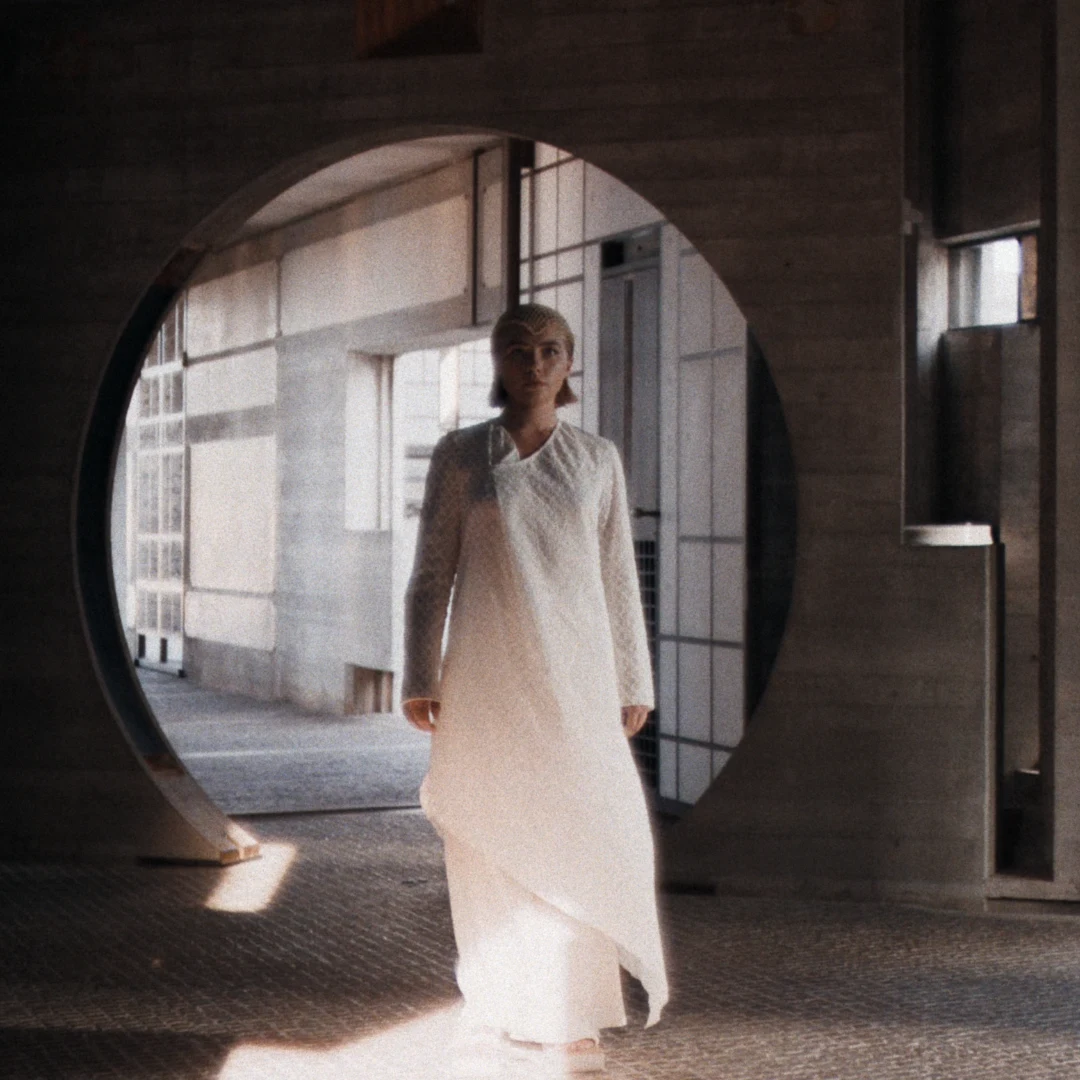
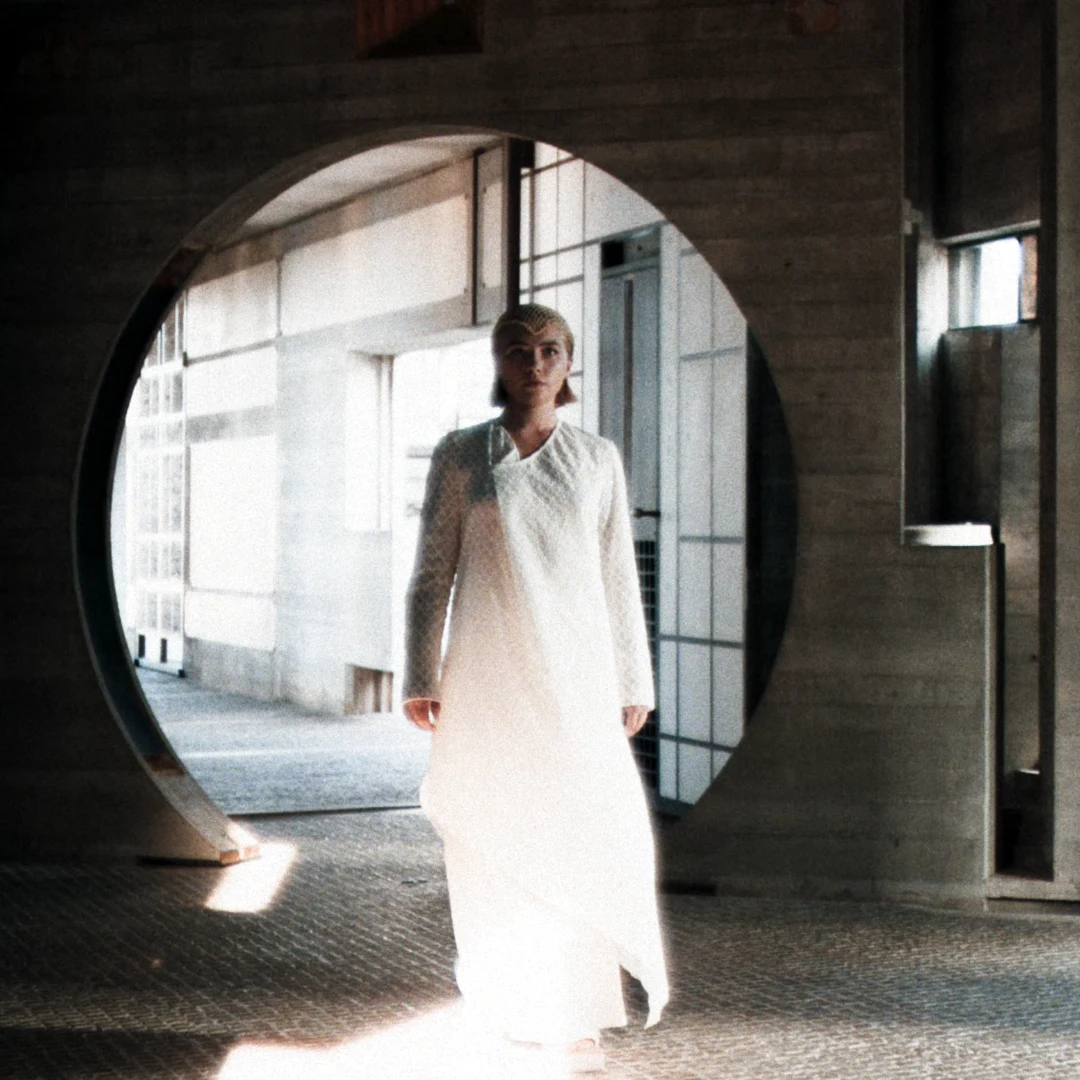
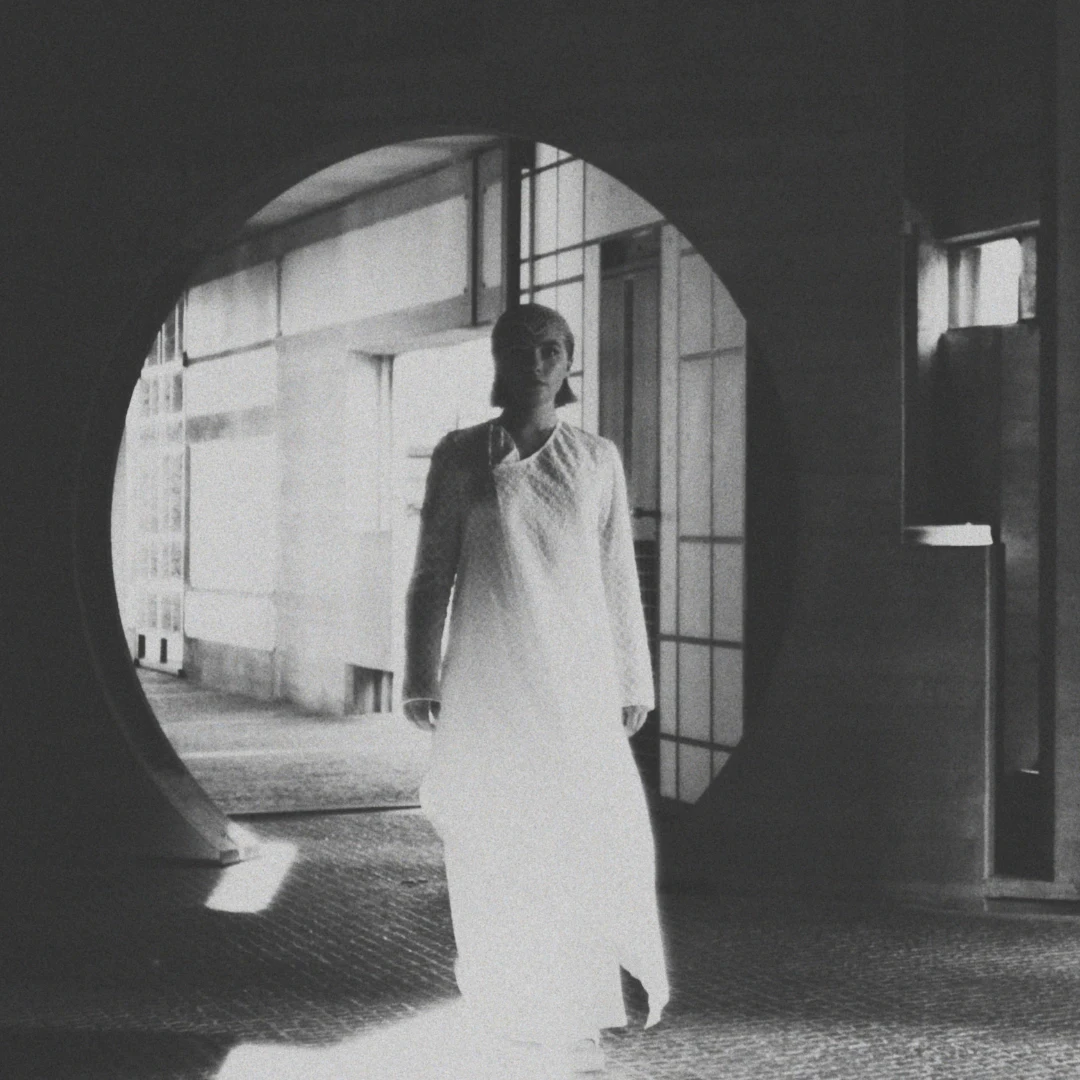
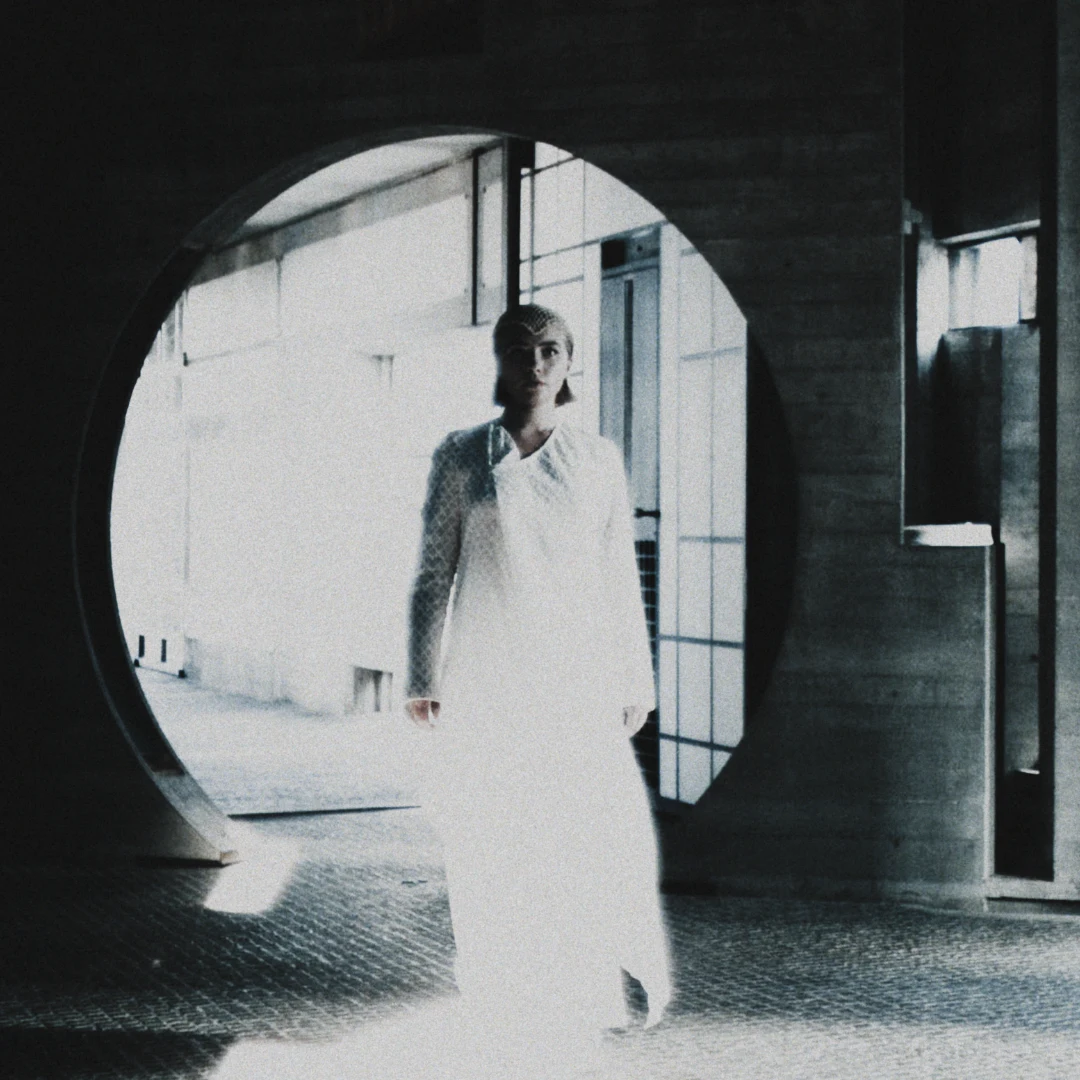
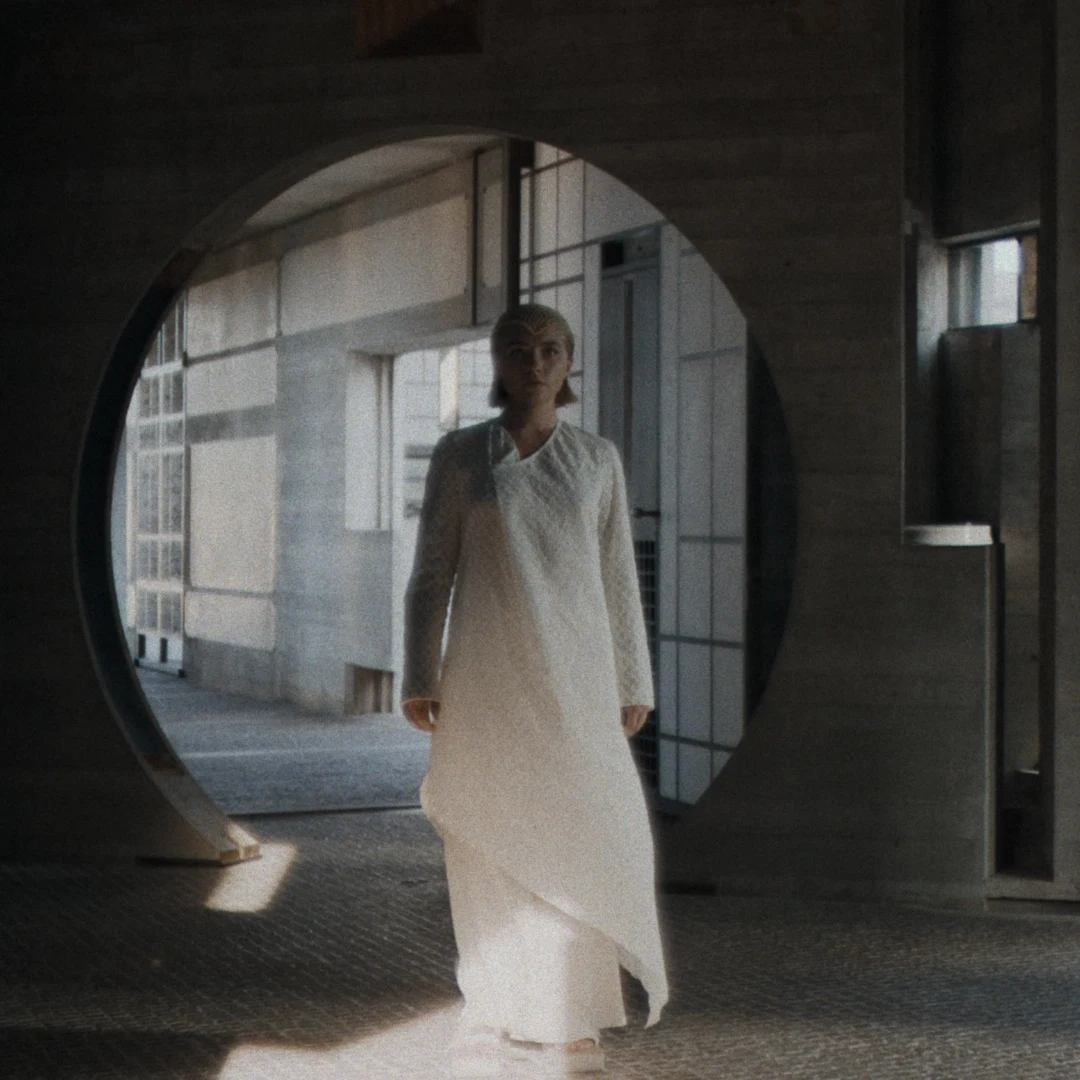
Example grades: one shot, graded four ways in the Color Corrector. Pick one and drag across the picture to compare it with the original. These are examples to show what is possible, not presets that come with the app.

The shot graded as Dusk RoseThe shot graded as Hard LightThe shot graded as Silver MatteThe shot graded as Cold SteelThe same shot without a gradeOriginalDusk Rose

Example grades

Color Corrector

Select a video, image or adjustment layer and grade it in the Color Corrector.

  • Reads log footage from the common camera makers and picks the right profile from the file by itself.
  • Exposure, Contrast, Saturation, Hue, and color wheels for Lift, Gamma, Gain and Offset.
  • Black Point and White Point lift the blacks for a matte look or soften the whites, rolled off smoothly instead of clipped.
  • Color Warper: push hues and saturation around on a grid.
  • Parade and Vectorscope with a skin-tone line, a before view and an eyedropper on every color.
  • Works in a wide color space with filmic output, so highlights roll off softly.
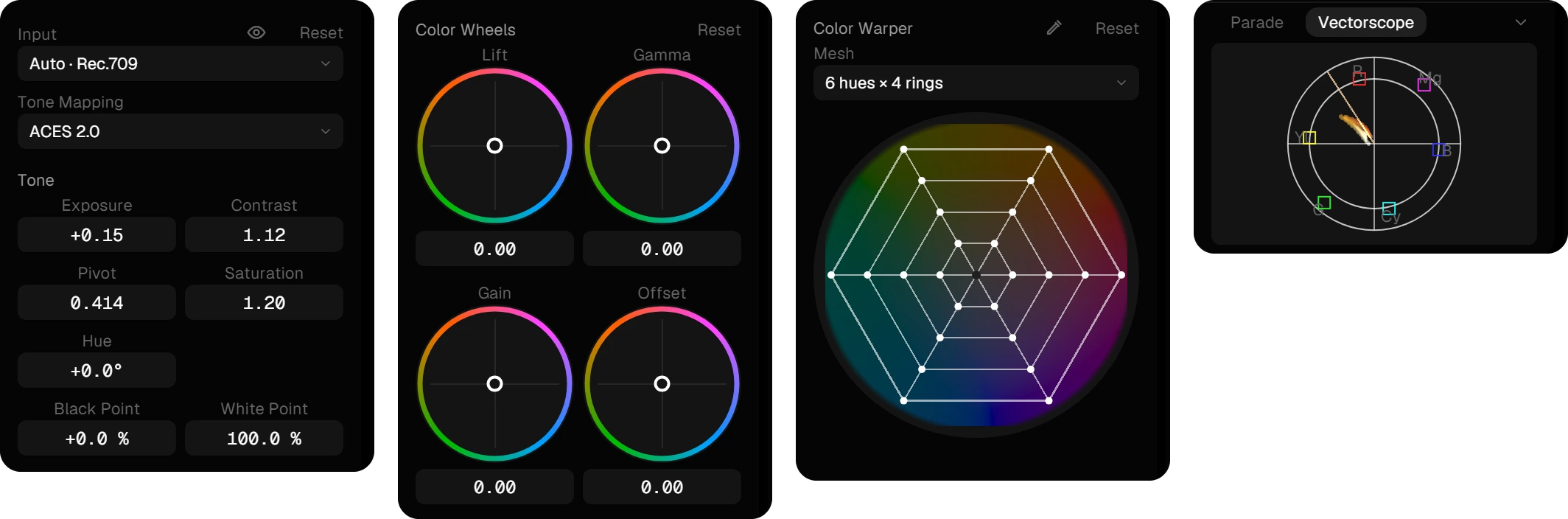
The Color Corrector in four parts: input and tone, color wheels, color warper and the scopes

CC Saver

Studio

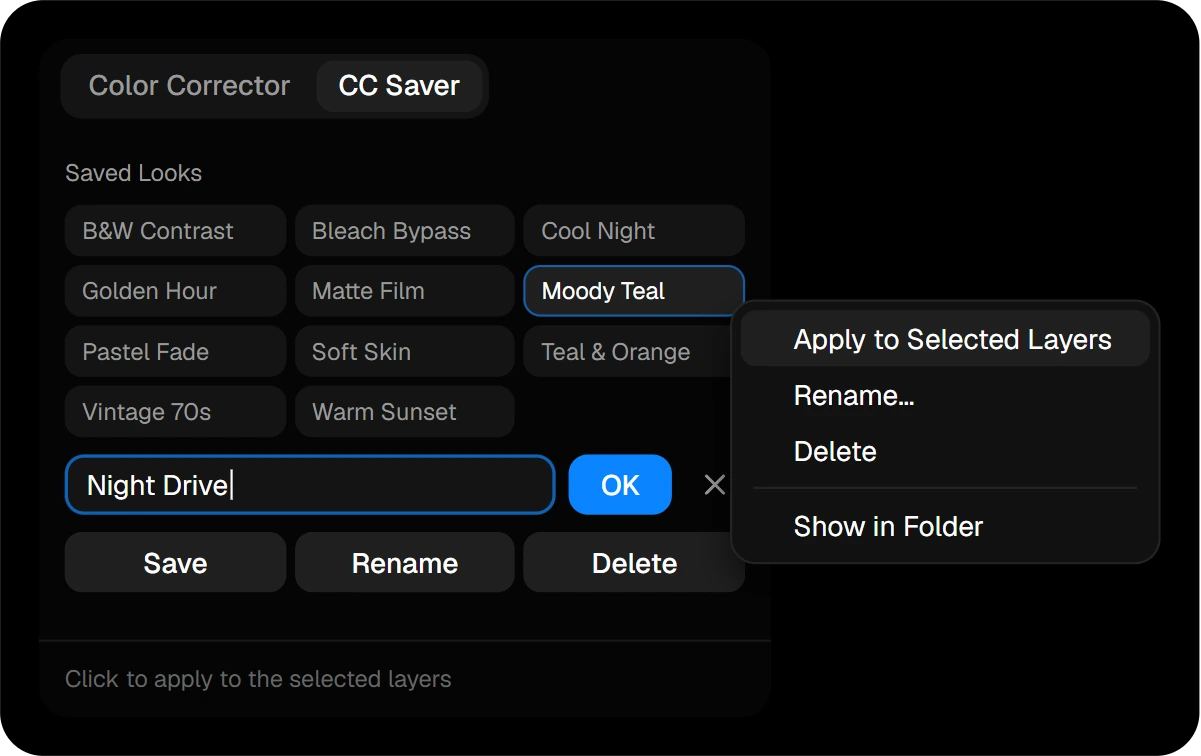
Found a look you like? Save it in the CC Saver. It keeps the grade together with every effect on the layer, so film grain, glow and halation come along.

Select clips and click the look: it applies to all of them in one step. Their effects are kept, and nothing is added twice.

The CC Saver with saved looks